Demos
Watch how Nimvolt works
Each demo opens the full feature doc: video, screenshots, and step-by-step text. We publish videos here first — then clip them for LinkedIn and YouTube.
Getting started
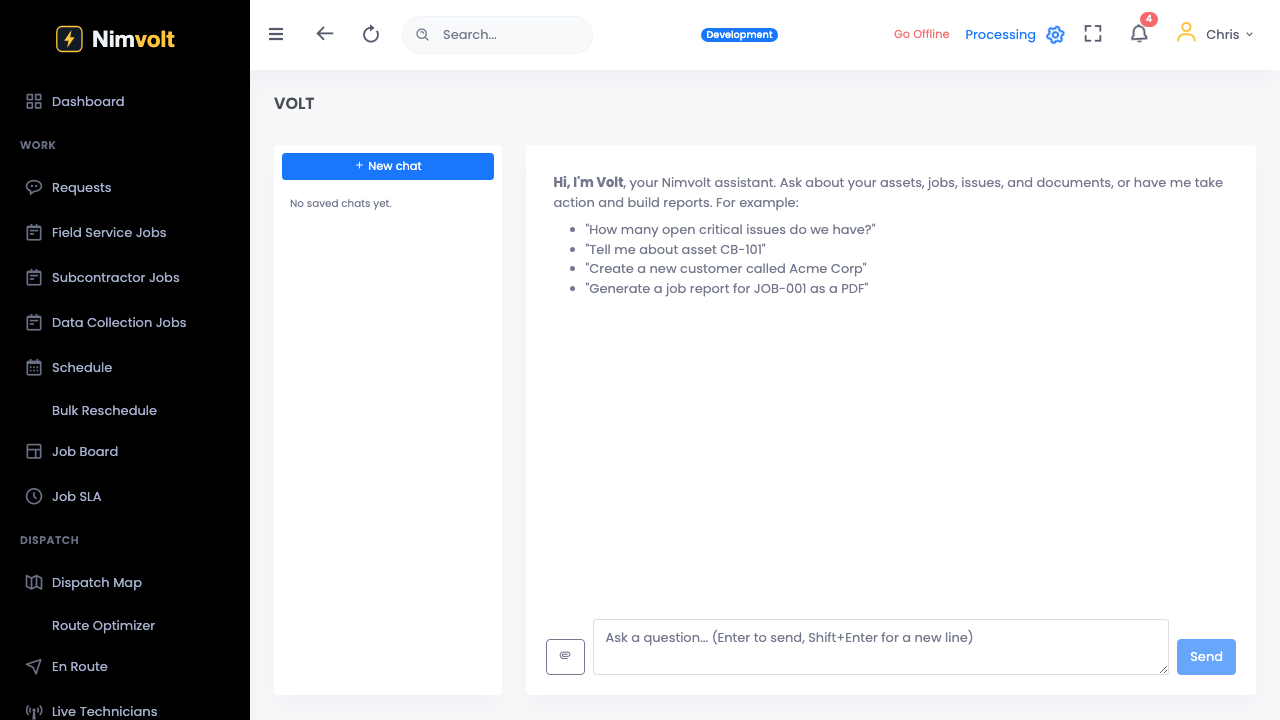
Volt AI
Nameplate capture
Photo a nameplate; Volt AI fills asset fields so the crew does not retype plate data.
Document Q&A
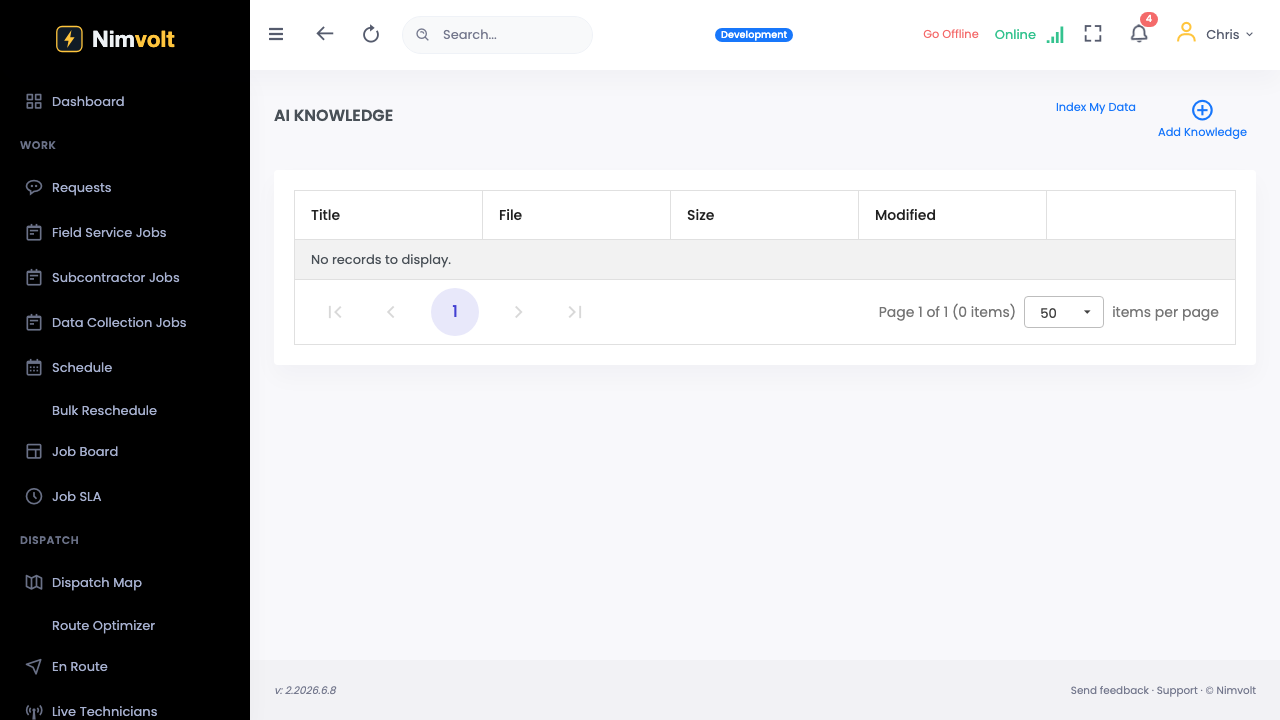
Ask questions across your uploaded manuals and specs — answers come with citations.
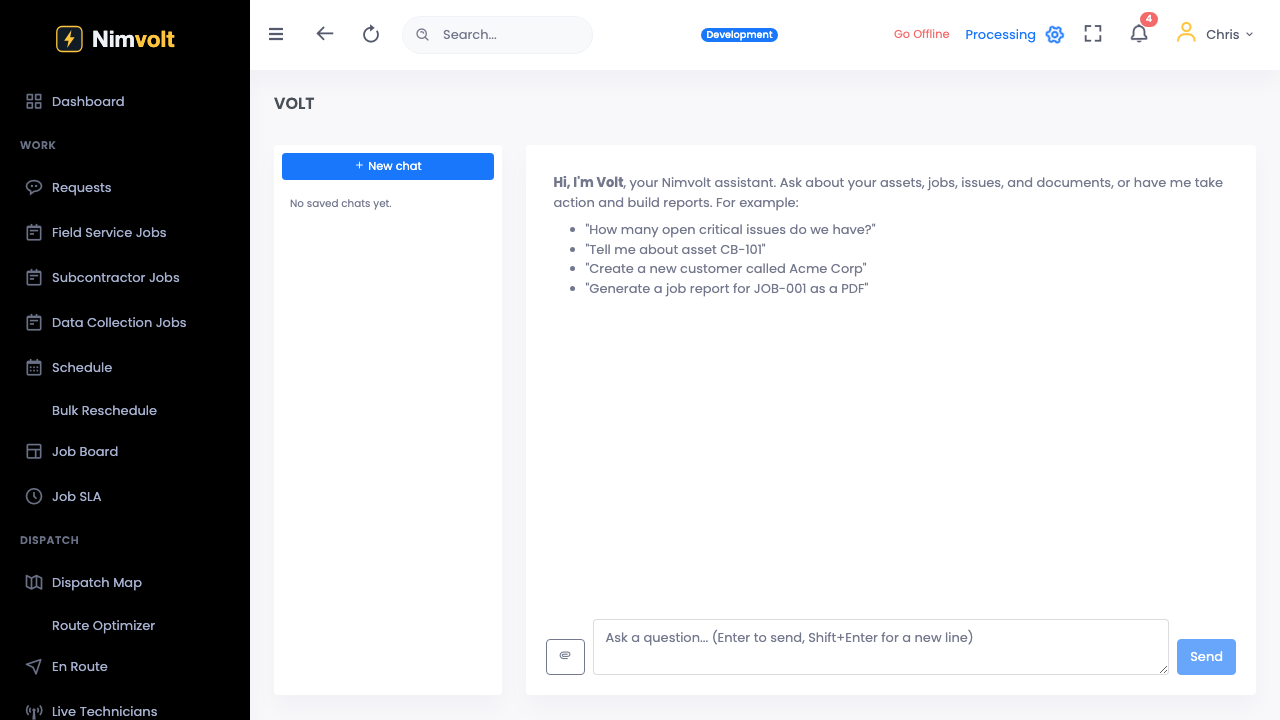
Finding triage
Get consistent severity suggestions so Tech A and Tech B stop arguing in the report.
Field app
Offline capture
Record results with no signal; drafts survive restarts and sync when you reconnect.
Forms and measurement grids
Custom forms with typed fields, multi-row grids, units, conditionals, and formulas.
Photos, markup, and signatures
Attach annotated photos and capture e-signatures on device.
Sync and conflict safety
How Field pushes local work to the workspace without losing data.
Jobs & scheduling
Assets & program
Review & reporting
QA review queue
Leads catch missing values and bad calls before the client sees the report.
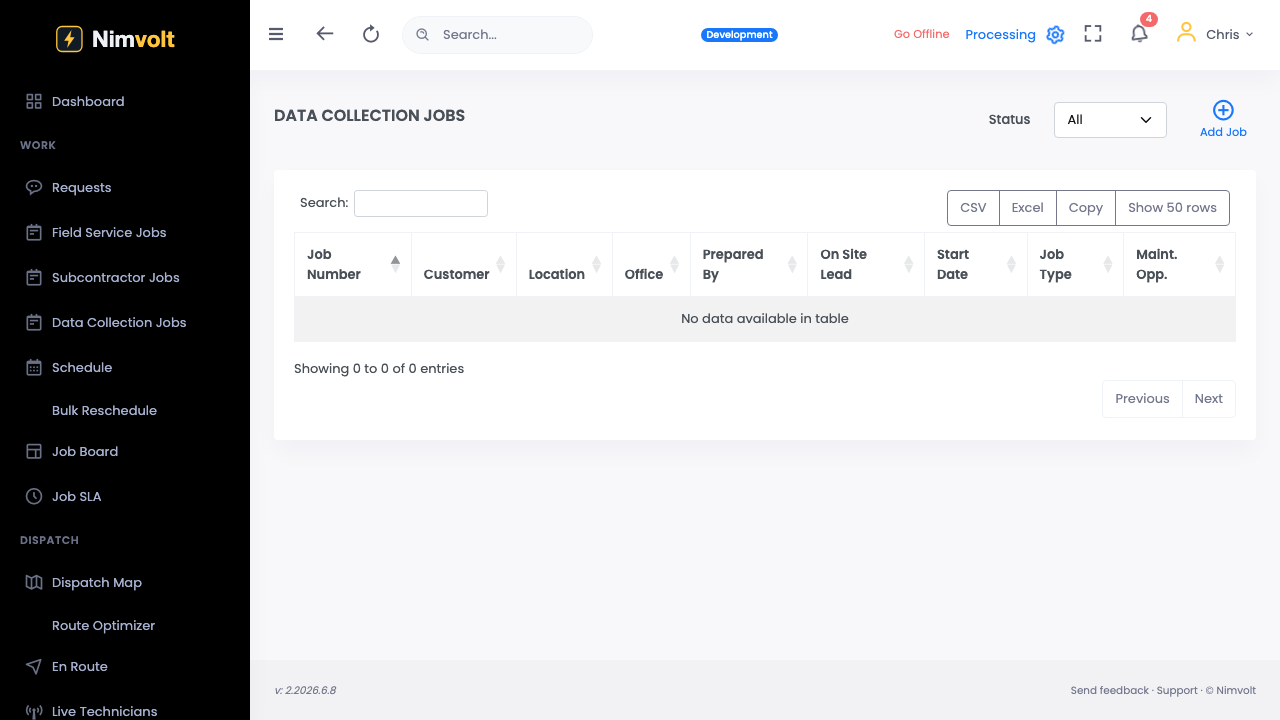
E-signature sign-off
Qualified personnel sign on web or device; the record locks to the signer.
Audit-ready PDF reports
Branded, client-ready PDFs generated from structured data — not a rebuilt Word file every time.
Business operations
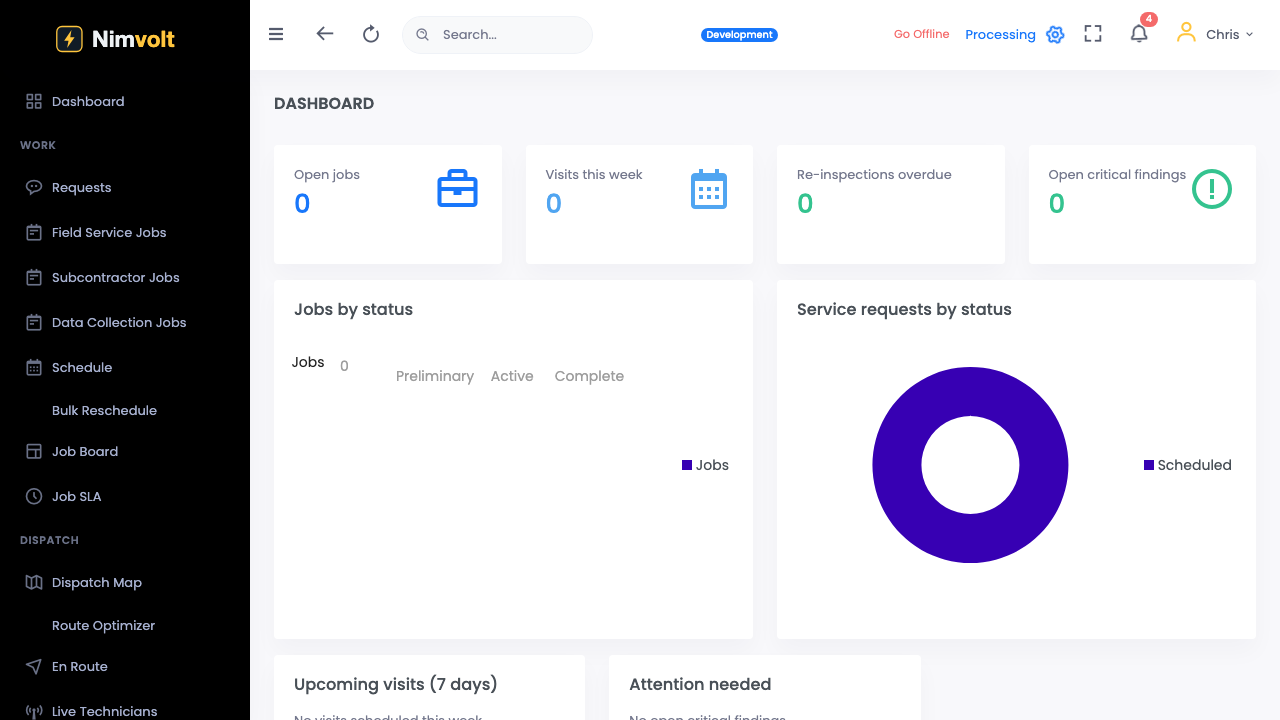
Customer portal
Give customers a place to see reports and status without inbox archaeology.
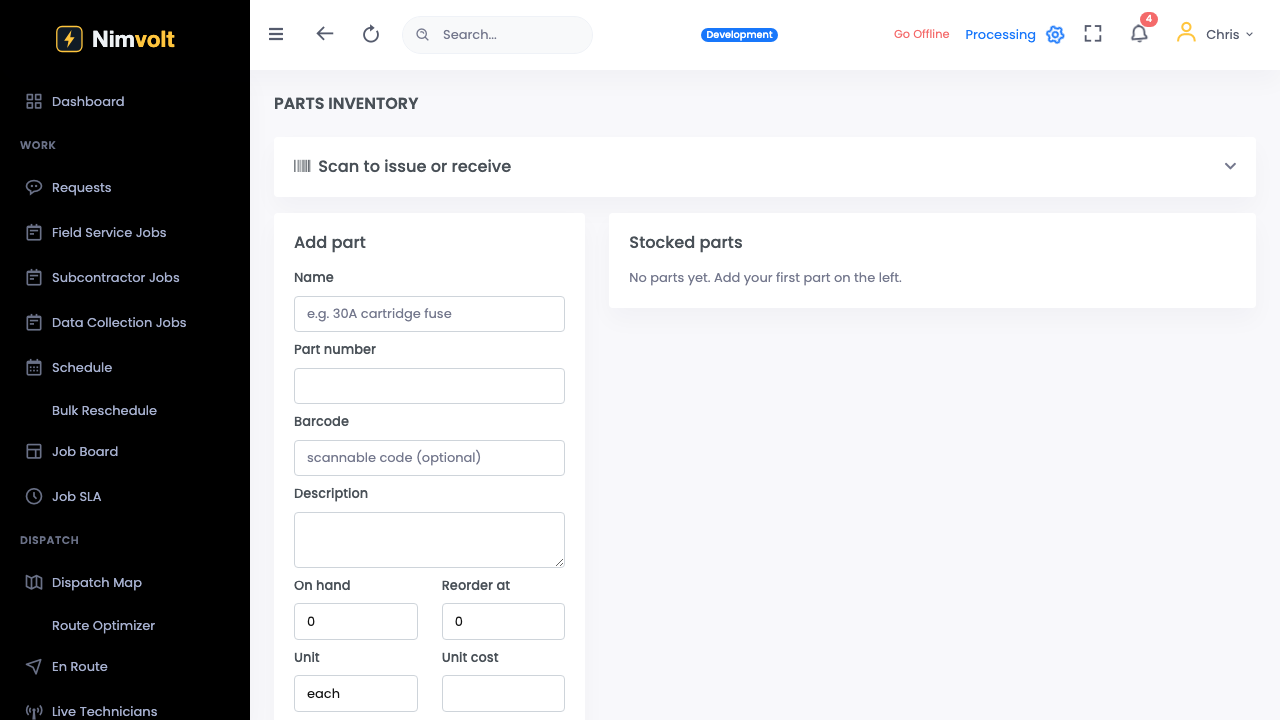
Parts and inventory
Track parts used on jobs against stock.
Purchasing
Raise purchases when stock or a job needs material.
Invoicing and billing
Bill the work that was tested and signed — not a separate spreadsheet.
Service and SLAs
Track response commitments on service agreements.