Jobs & scheduling
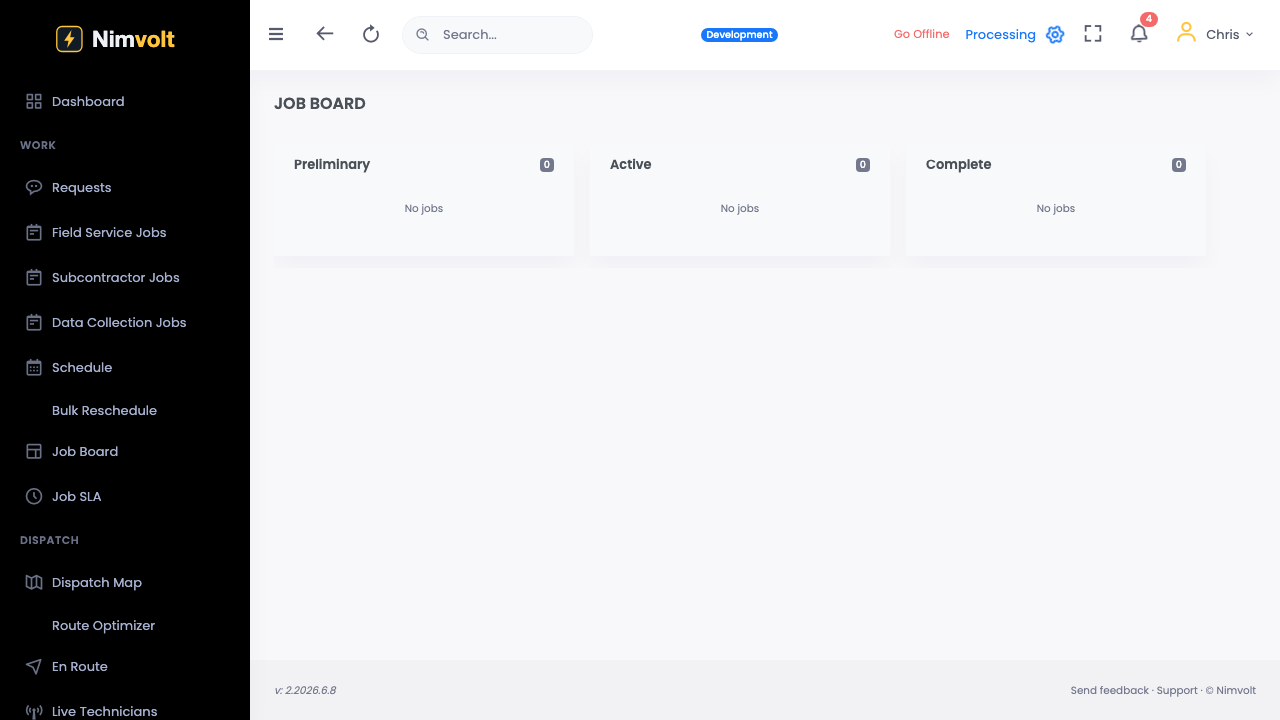
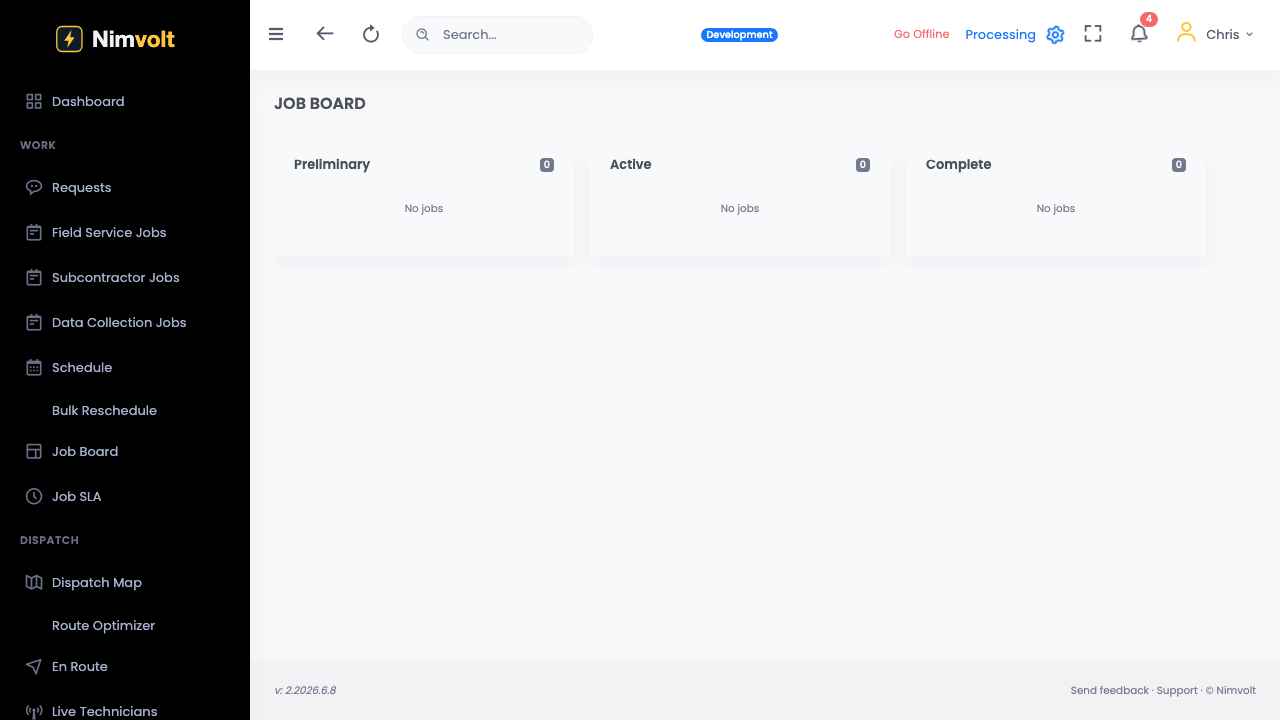
Live job board
See crew assignments update in real time across the office.
Demo video
Live click-through recording from the Nimvolt app. Clip and share on social when ready.
Screenshots
How to use it
- Open the job board view.
- Filter by status, crew, or site.
- Reassign from the board when a truck is delayed.
- Watch statuses move: scheduled → in progress → submitted → signed.
Tips
- Use the board in morning standup — one screen for the day.