Getting started
Create a workspace
Sign up and set up your company workspace in a few minutes.
Demo video
Live click-through recording from the Nimvolt app. Clip and share on social when ready.
Screenshots
How to use it
- Go to app.nimvolt.com/signup and enter your work email.
- Create a company name — this becomes your isolated workspace.
- Confirm your account from the email if prompted.
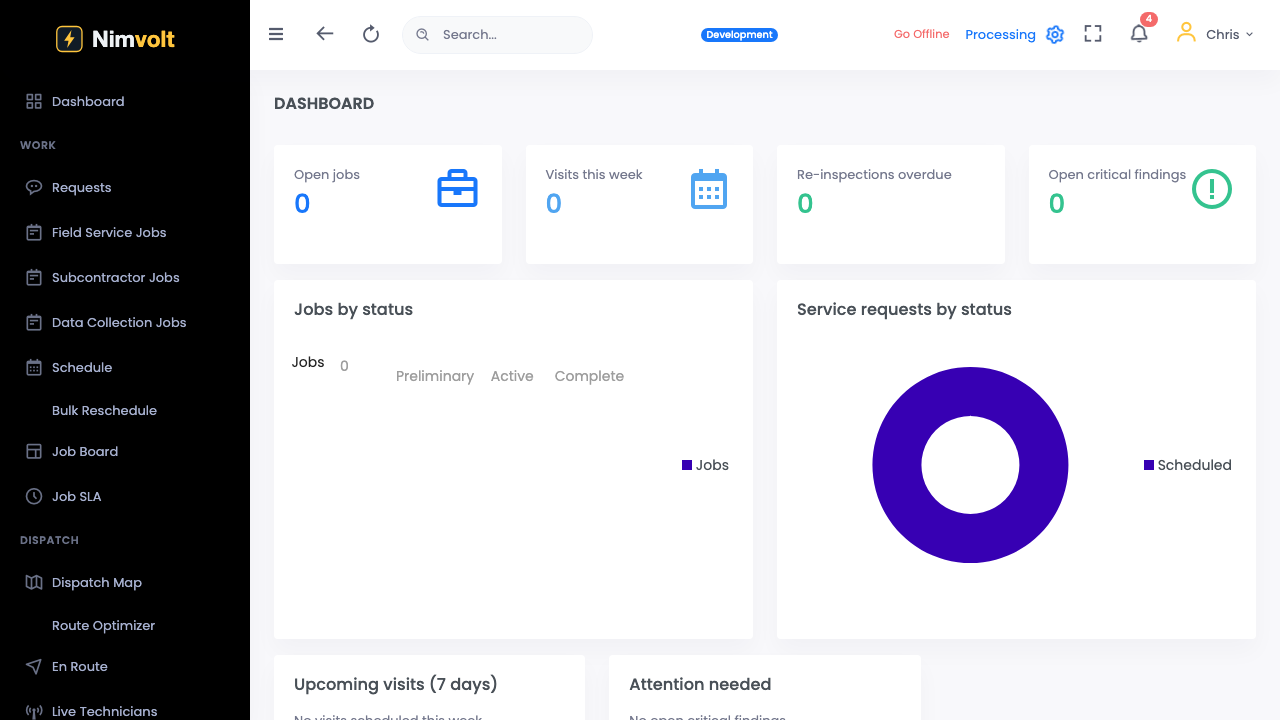
- Land on the home board: you are ready to invite people and create jobs.
Tips
- Use your company domain email so teammates recognize invites.
- One workspace = one company database. Enterprise can add more workspaces later.