Getting started
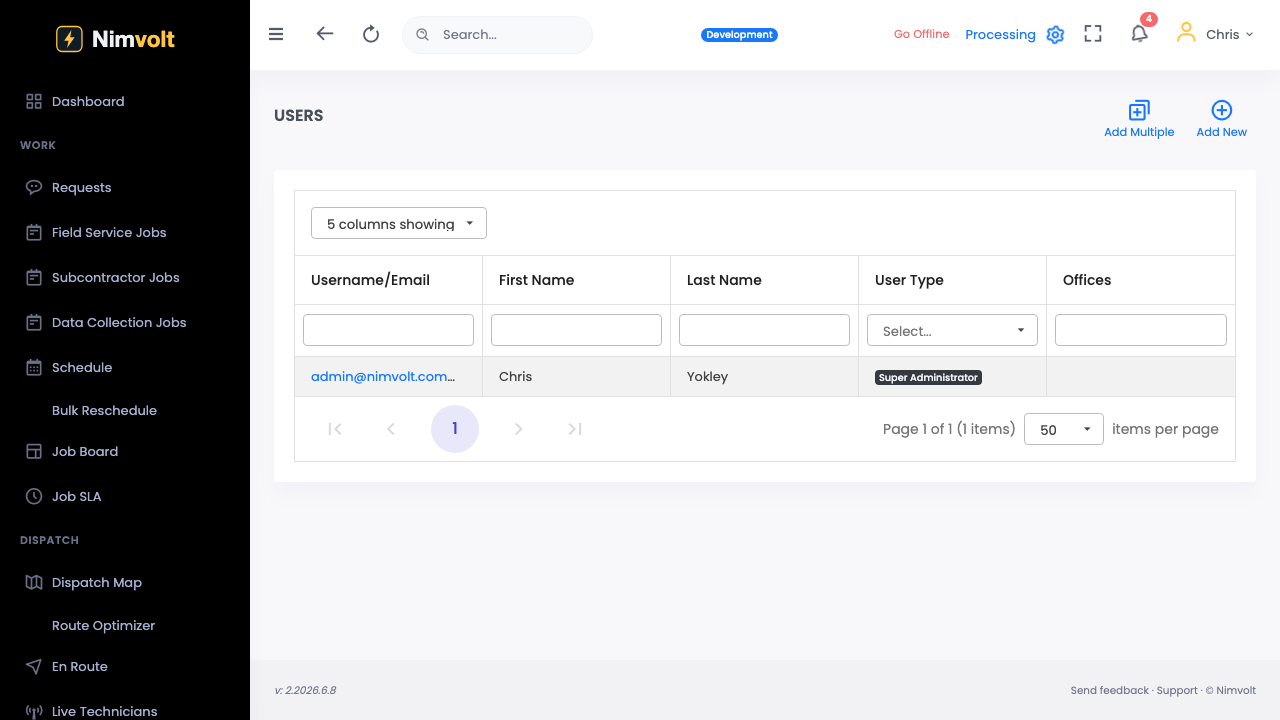
Invite your team
Add technicians, leads, and office staff with the right roles.
Demo video
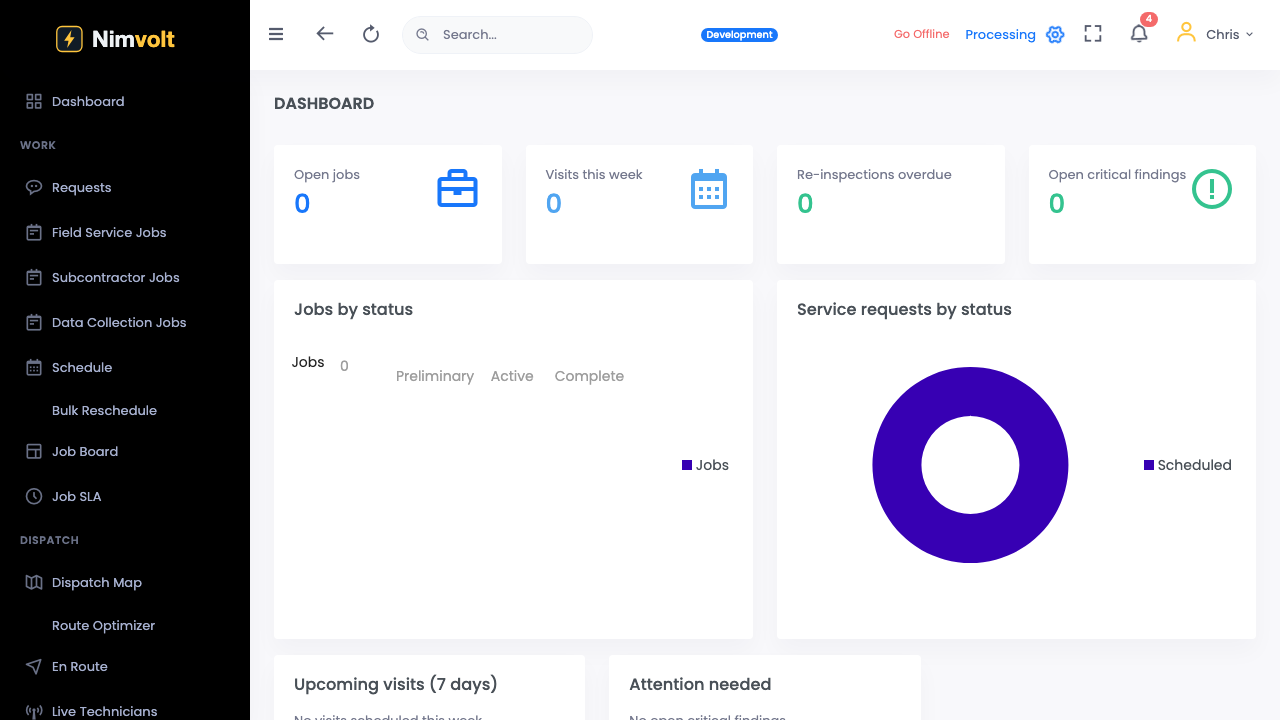
Live click-through recording from the Nimvolt app. Clip and share on social when ready.
Screenshots
How to use it
- Open Settings → Team (or Users).
- Click Invite and enter emails.
- Assign a role: technician, lead/reviewer, or admin.
- Teammates accept the invite and sign in on web or the Field app.
Tips
- Start with two techs on Free; upgrade to Pro for unlimited seats at a flat price.
- Leads need review permissions before they can sign off reports.