Business operations
Parts and inventory
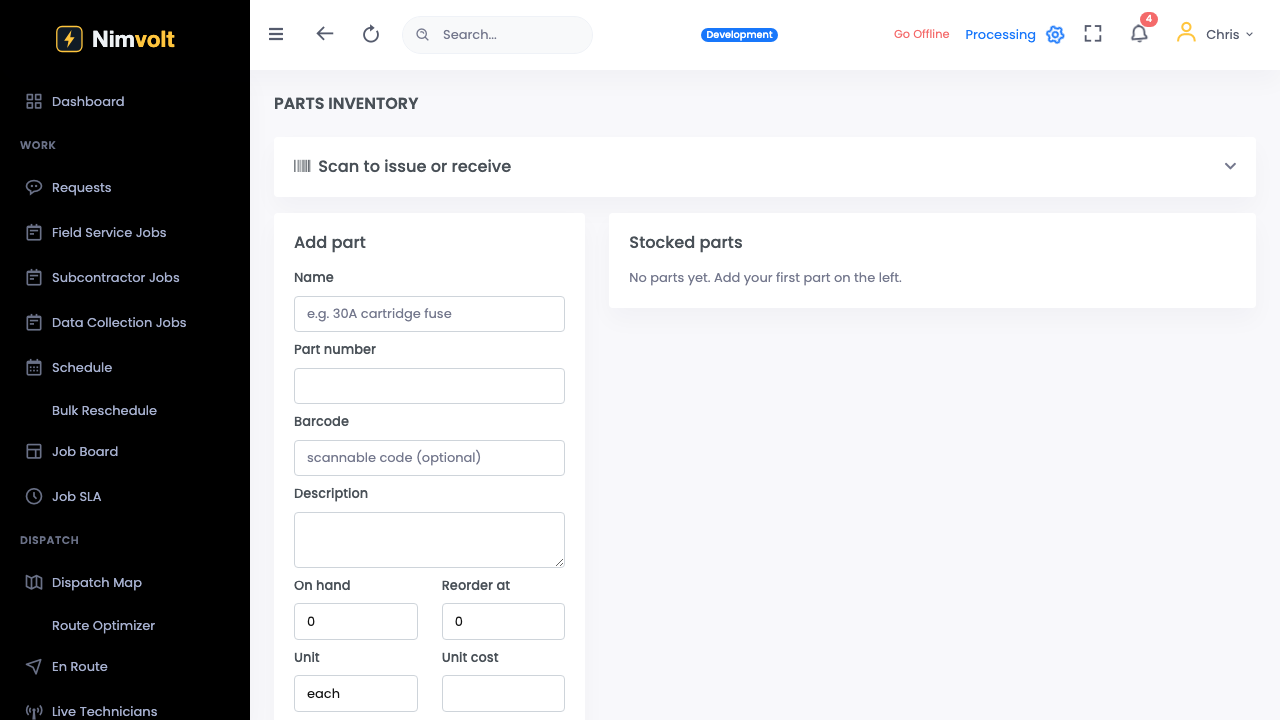
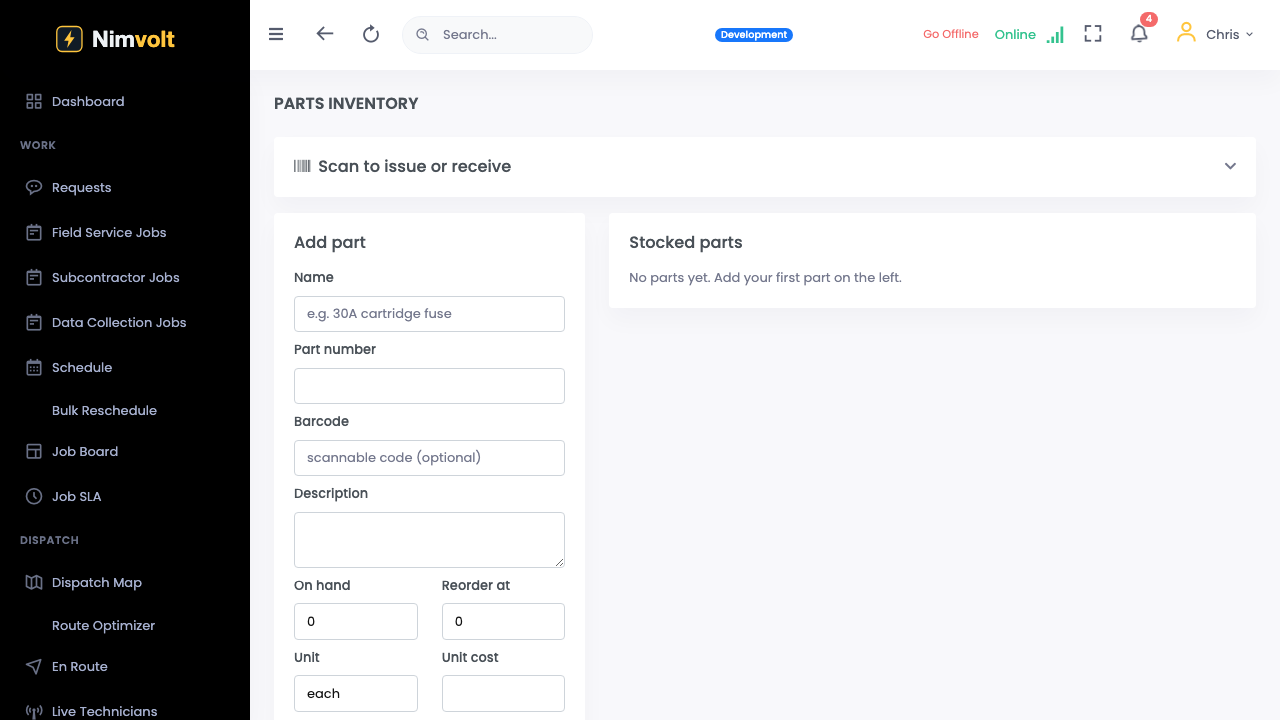
Track parts used on jobs against stock.
Demo video
Live click-through recording from the Nimvolt app. Clip and share on social when ready.
Screenshots
How to use it
- Define parts SKUs and quantities.
- Consume parts on a job/work order.
- Watch low-stock signals.
- Reconcile with purchasing.
Tips
- Start with high-runner spares only — do not boil the ocean.