Review & reporting
QA review queue
Leads catch missing values and bad calls before the client sees the report.
Demo video
Live click-through recording from the Nimvolt app. Clip and share on social when ready.
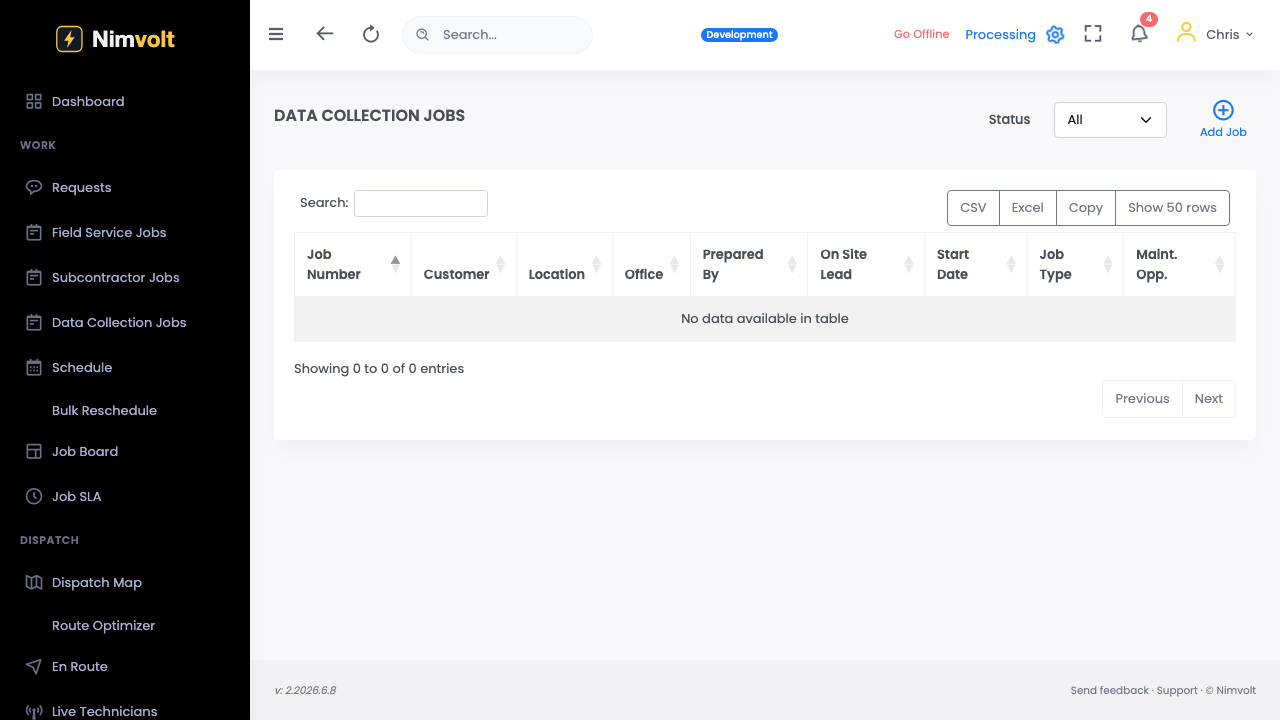
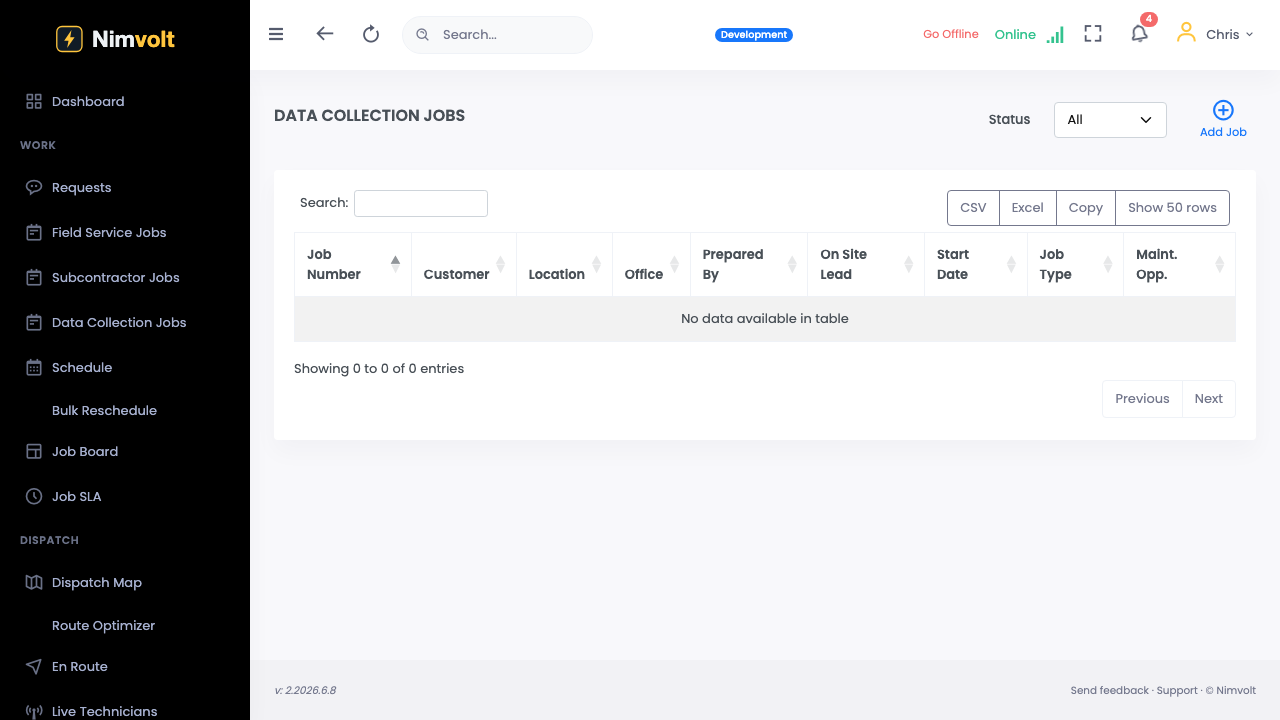
Screenshots
How to use it
- Open Review / QA queue.
- Open a submitted job; walk findings and out-of-range flags.
- Request changes or approve.
- Move to signature when clean.
Tips
- AI triage suggestions appear here — confirm against your standard.
- Reject with a note so the tech learns, not just reworks silently.