Field app
Sync and conflict safety
How Field pushes local work to the workspace without losing data.
Demo video
Live click-through recording from the Nimvolt app. Clip and share on social when ready.
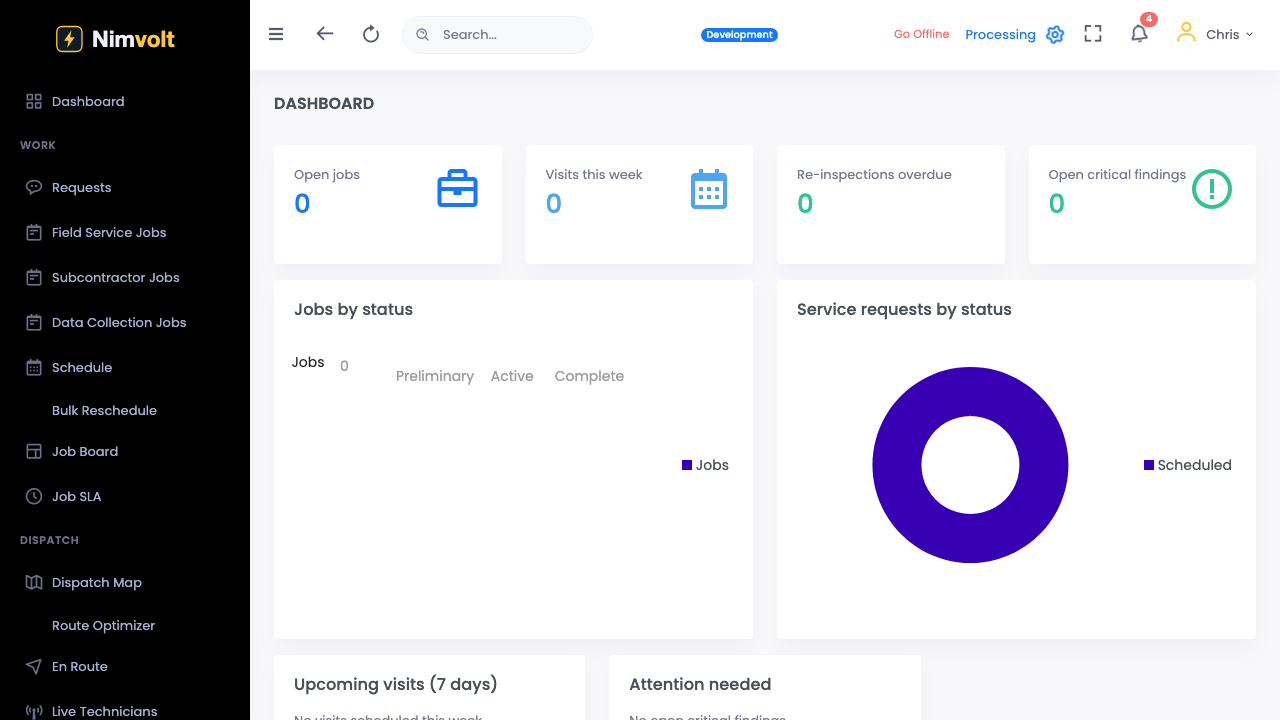
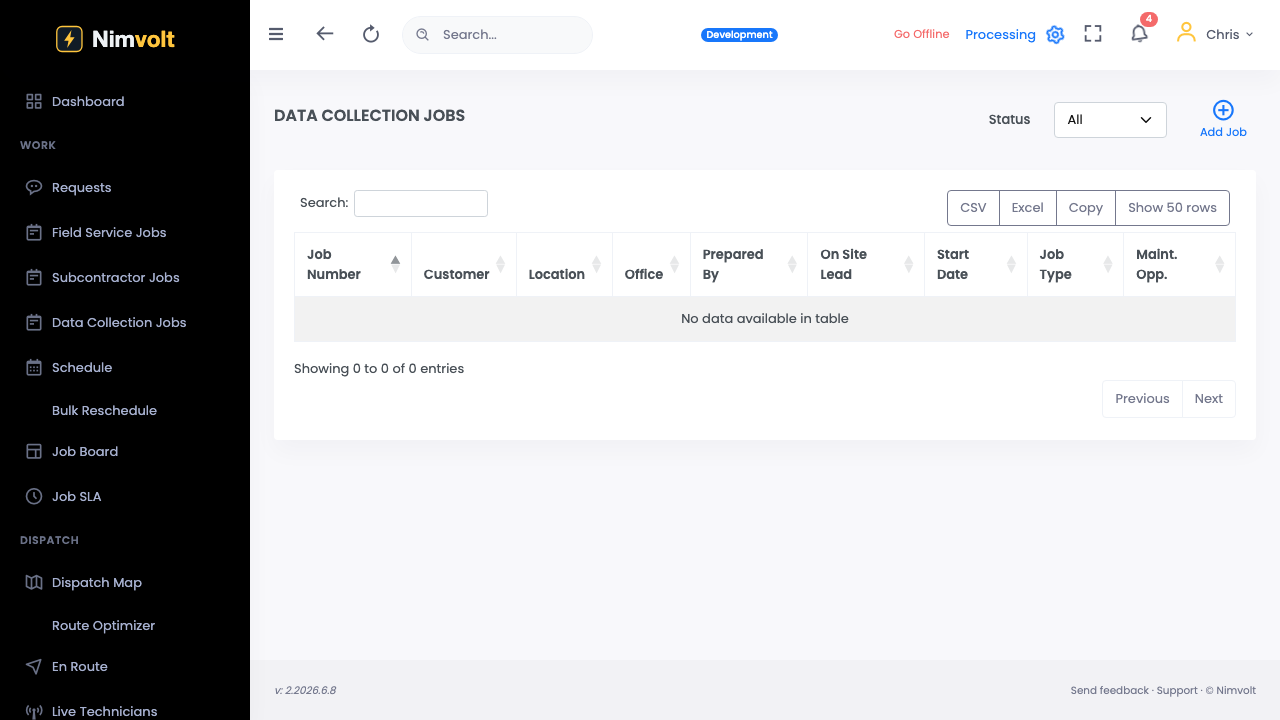
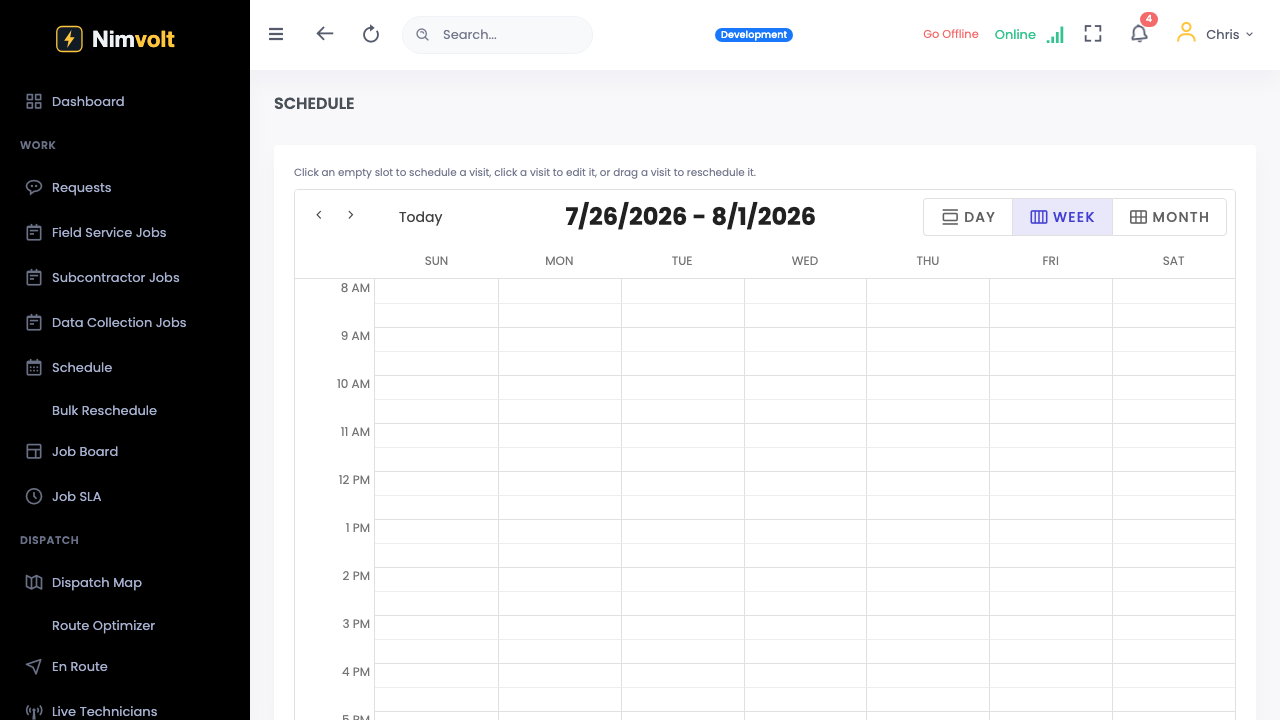
Screenshots
How to use it
- Complete sections; status shows pending sync when offline.
- Reconnect — sync indicator clears when the server has your draft.
- If two edits conflict, follow the in-app prompt; prefer the on-site version for readings.
- Confirm the office review queue shows the submission.
Tips
- Sync before boarding a flight home after a multi-day outage.
- Office should not hard-delete jobs while crews are still capturing.