Field app
Offline capture
Record results with no signal; drafts survive restarts and sync when you reconnect.
Demo video
Live click-through recording from the Nimvolt app. Clip and share on social when ready.
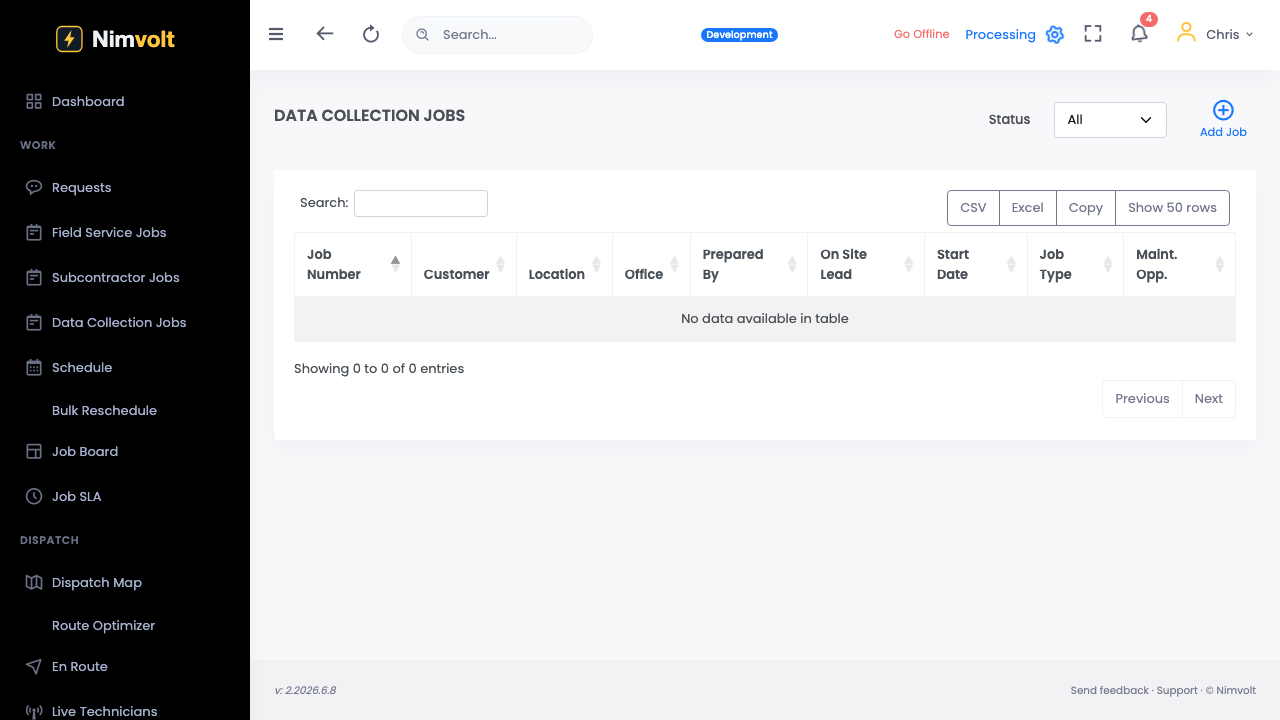
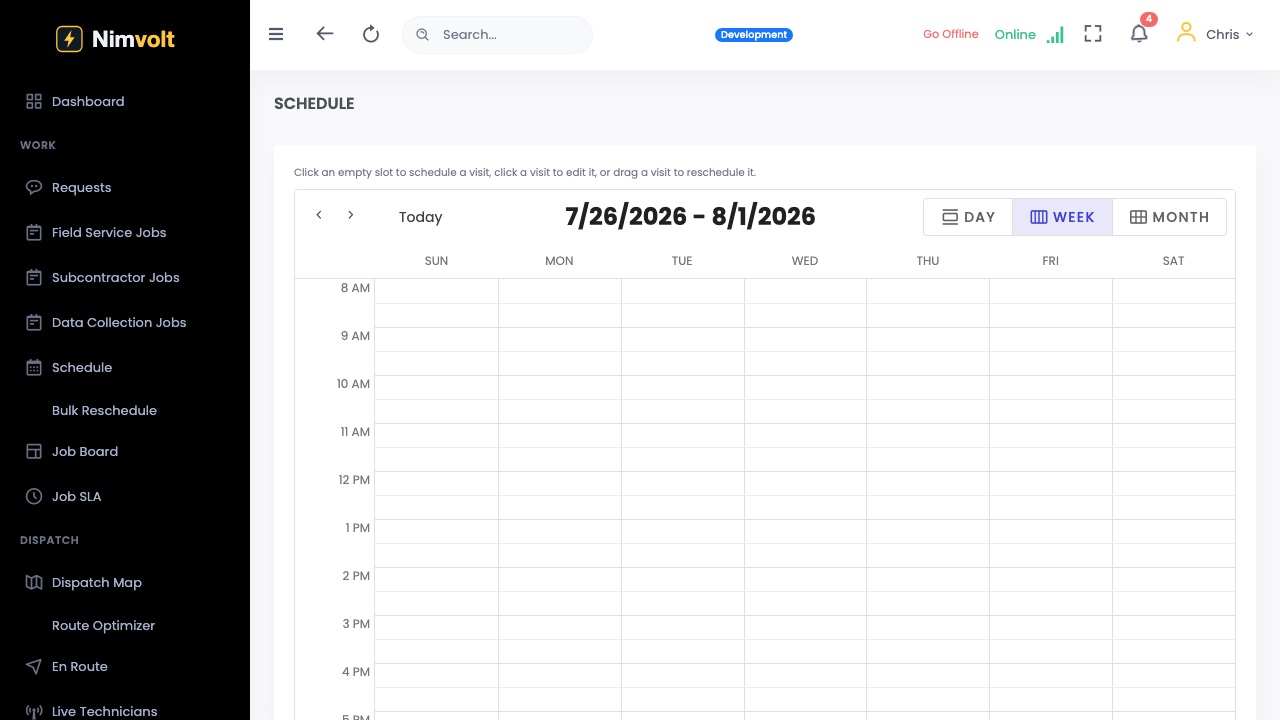
Screenshots
How to use it
- Install Nimvolt Field from Google Play (iOS coming).
- Sign in while online once so jobs and forms download.
- Work the job underground / in the vault — data saves locally.
- When signal returns, wait for sync confirmation before leaving site if possible.
Tips
- Do not clear app storage mid-job.
- Airplane mode is a good drill before a critical outage weekend.