Field app
Photos, markup, and signatures
Attach annotated photos and capture e-signatures on device.
Demo video
Live click-through recording from the Nimvolt app. Clip and share on social when ready.
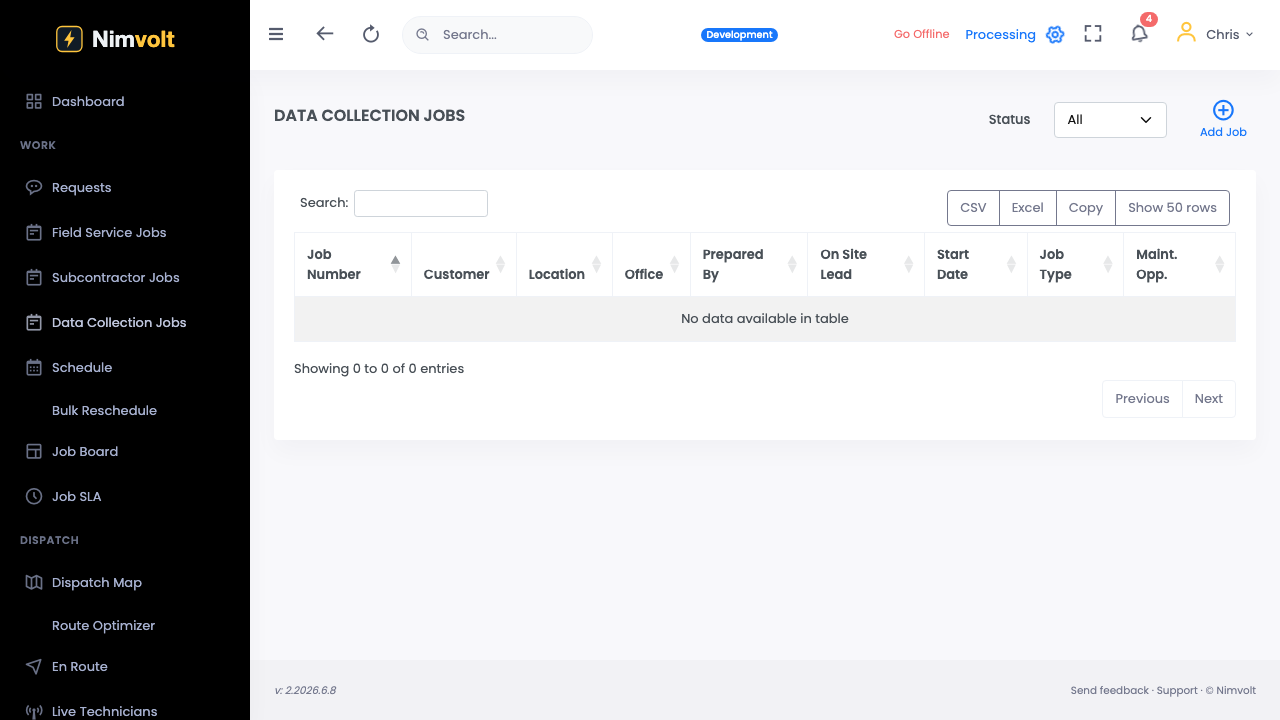
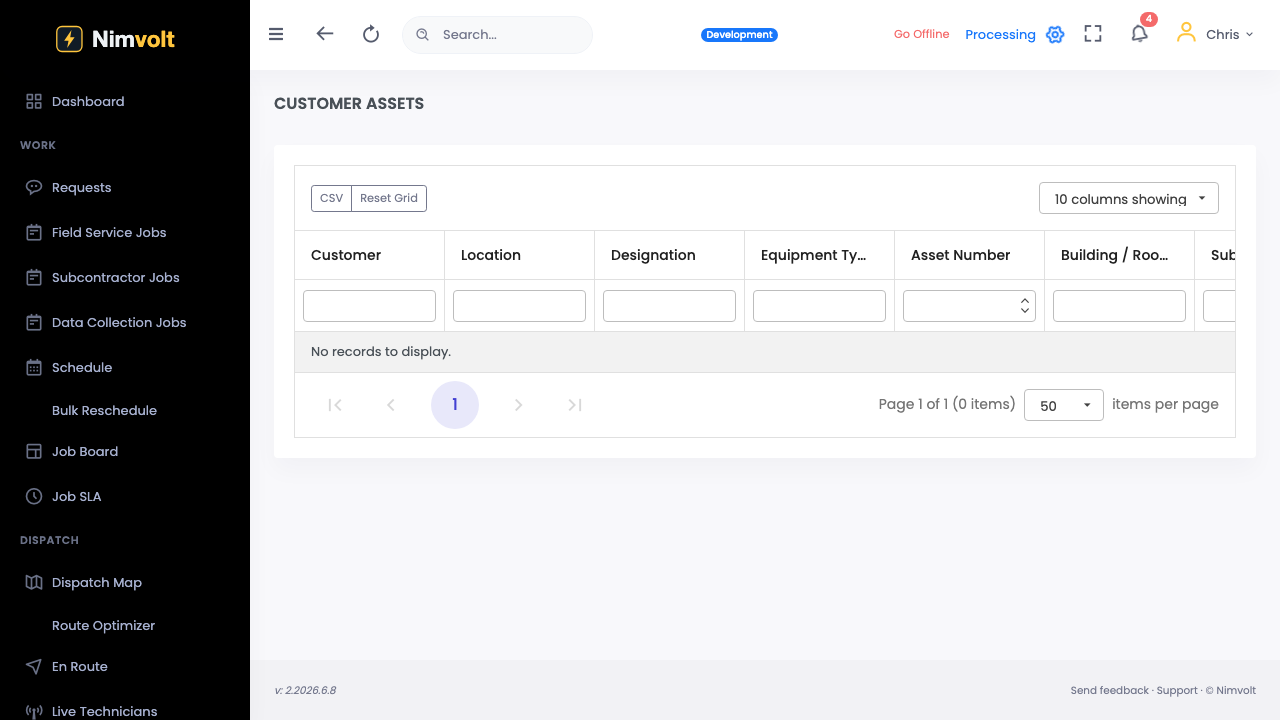
Screenshots
How to use it
- Add a photo from the camera or library on the finding or form.
- Markup hot spots or defect locations if needed.
- At closeout, capture the qualified signature on device.
- Generate/share PDF from device when the workflow allows.
Tips
- Photos are evidence — include context (asset tag in frame).
- Signature locks responsibility; do not share unlocked devices.