Getting started
Run your first job
Schedule a job, capture in the field, and produce a report.
Demo video
Live click-through recording from the Nimvolt app. Clip and share on social when ready.
Screenshots
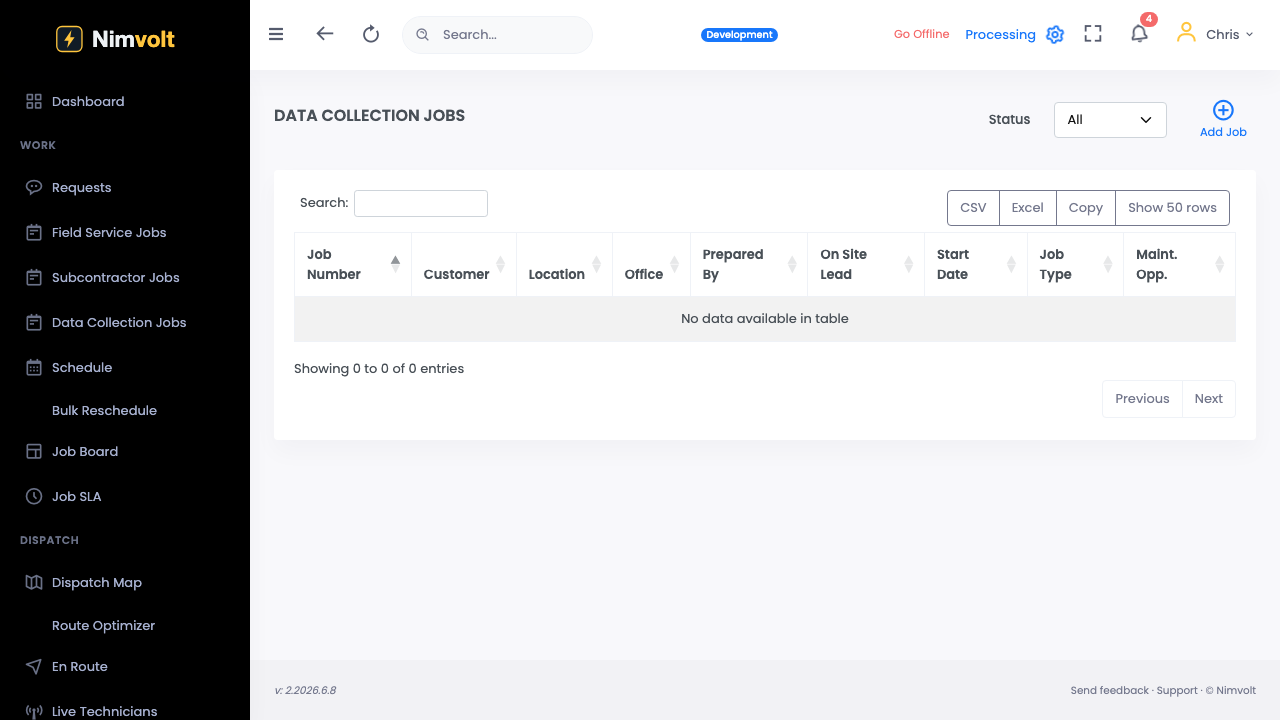
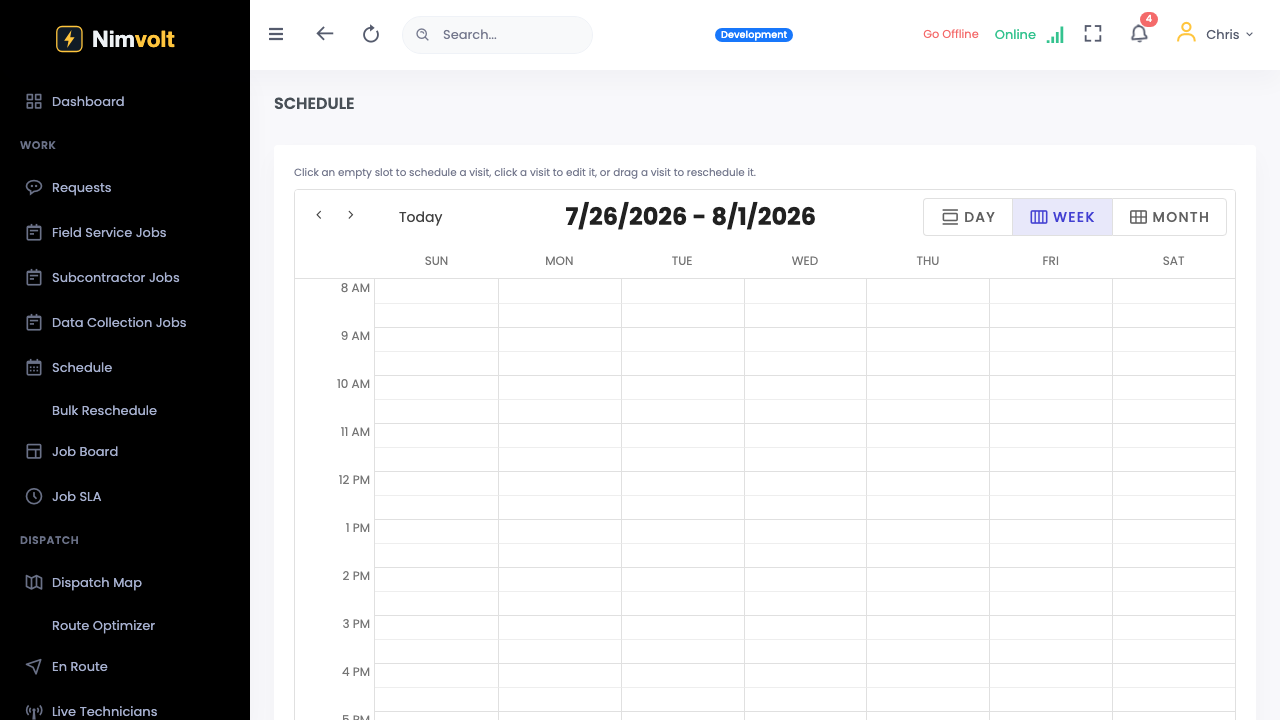
How to use it
- Create a customer/site and at least one asset (or import later).
- Create a job, pick the date, assign a technician, and attach assets/forms.
- On the Field app, open the job offline if needed and fill readings.
- Submit for review → lead QA → sign → deliver the PDF.
Tips
- Use a simple form first (visual / IR) so the crew learns the flow fast.
- Confirm sync completed before calling the job closed.