Assets & program
Asset history
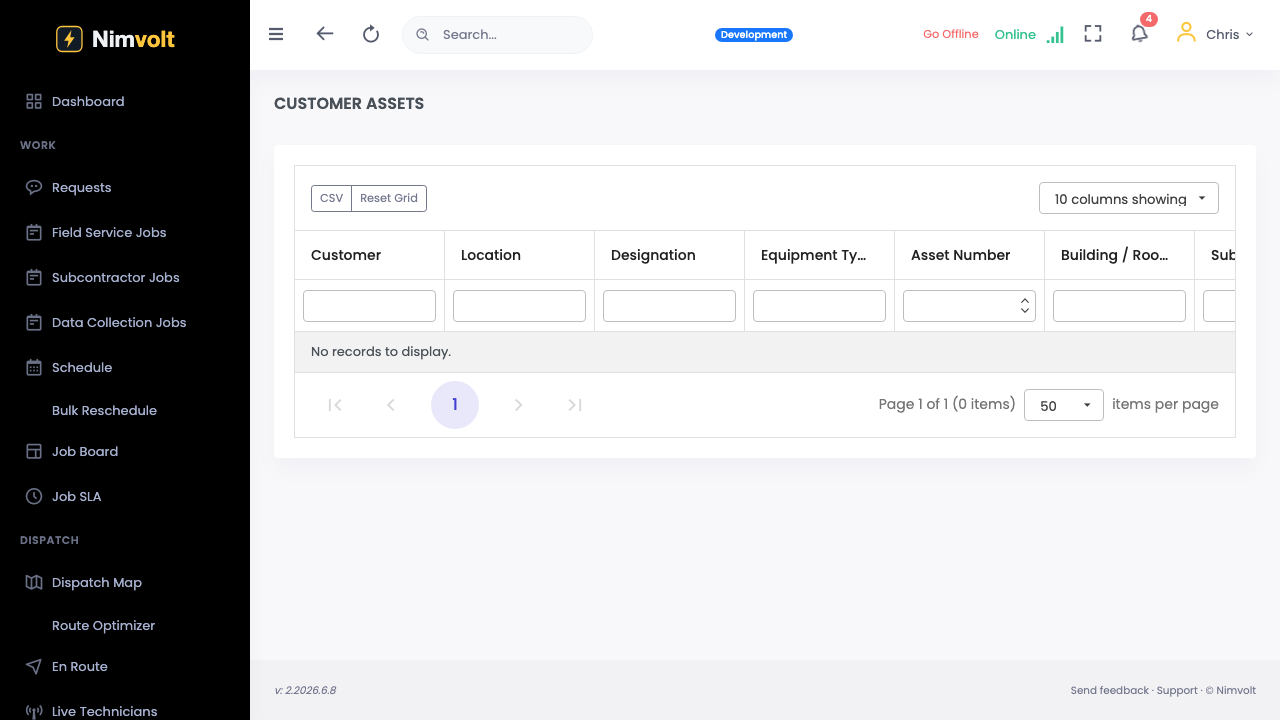
Every test, finding, and sign-off stays attached to the asset.
Demo video
Live click-through recording from the Nimvolt app. Clip and share on social when ready.
Screenshots
How to use it
- Open the asset → History.
- Filter by date, test type, or severity.
- Open a past report PDF without digging email.
- Use trends when deciding repair vs replace.
Tips
- Do not store ‘final’ PDFs only in email — keep them on the asset.