Field app
Forms and measurement grids
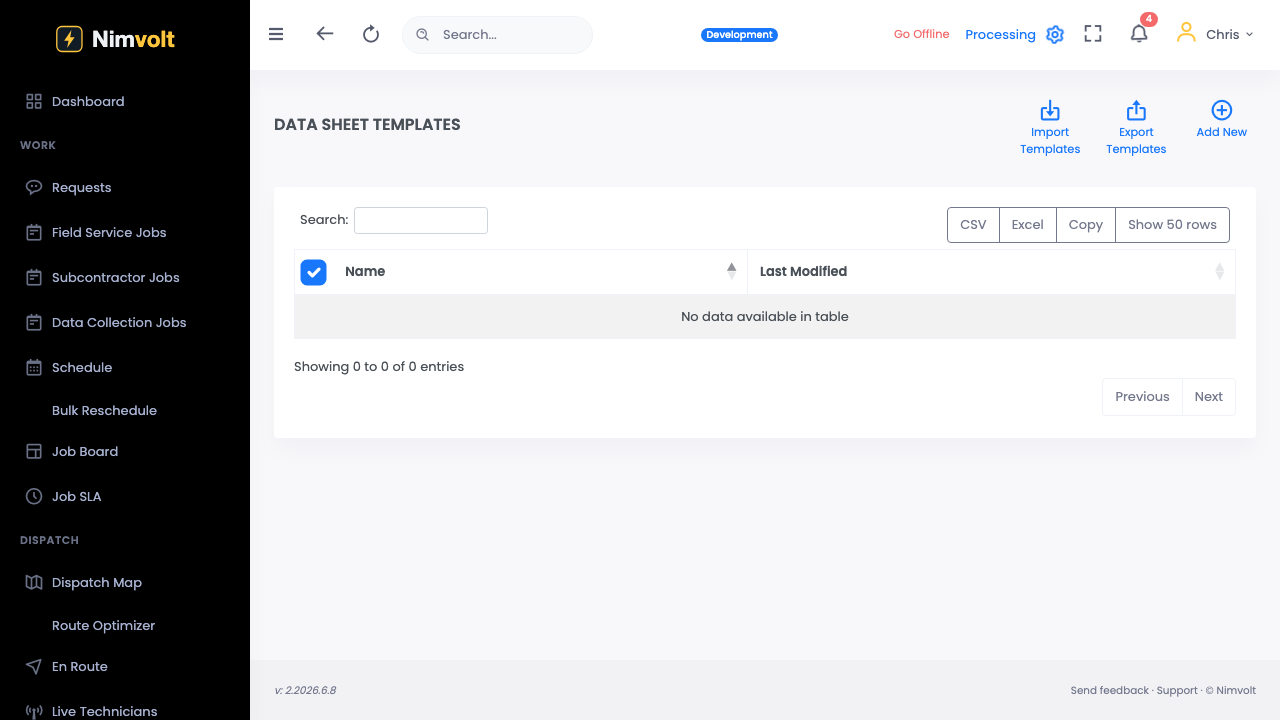
Custom forms with typed fields, multi-row grids, units, conditionals, and formulas.
Demo video
Live click-through recording from the Nimvolt app. Clip and share on social when ready.
Screenshots
How to use it
- Office builds or selects the form for the job.
- In Field, open the form section for the asset.
- Enter readings; use fill-down on grids where appropriate.
- Watch pass/fail or computed fields update as you enter values.
Tips
- Define pass criteria in the form so mistakes surface on site.
- Keep grid column labels short — techs read them with gloves on.