Administration
Roles and permissions
Control who can edit forms, review, sign, and bill.
Demo video
Live click-through recording from the Nimvolt app. Clip and share on social when ready.
Screenshots
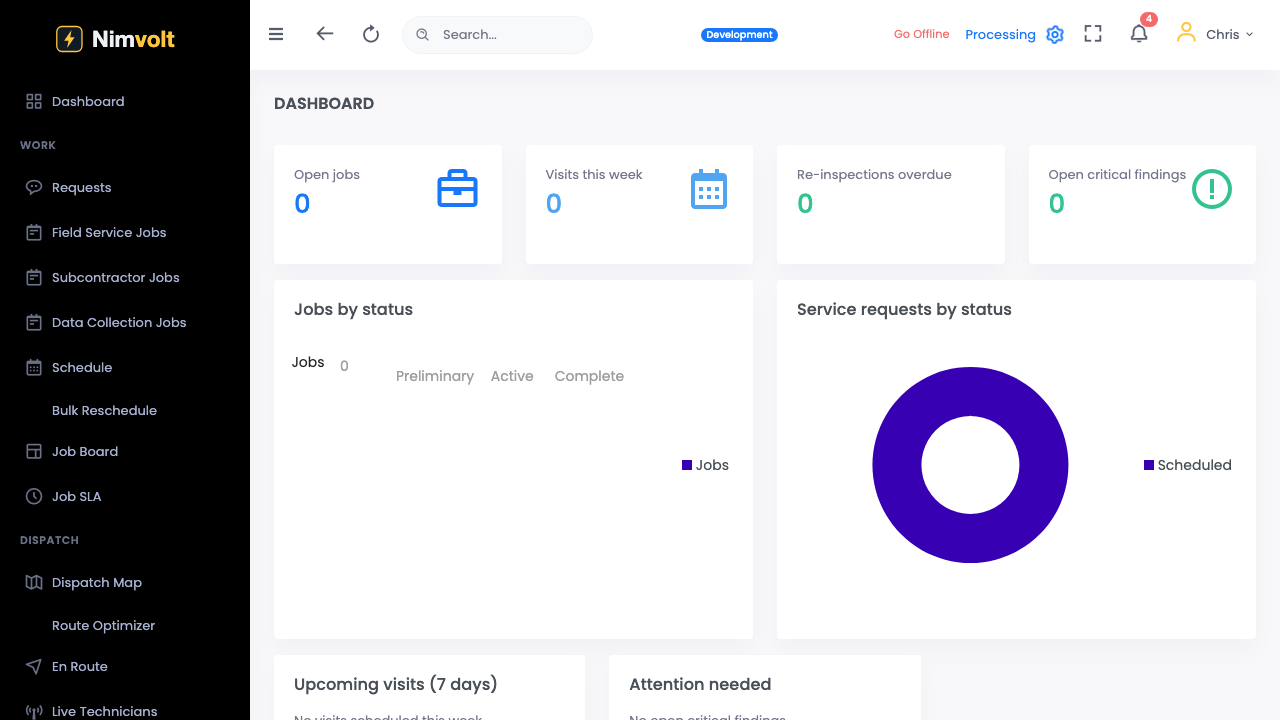
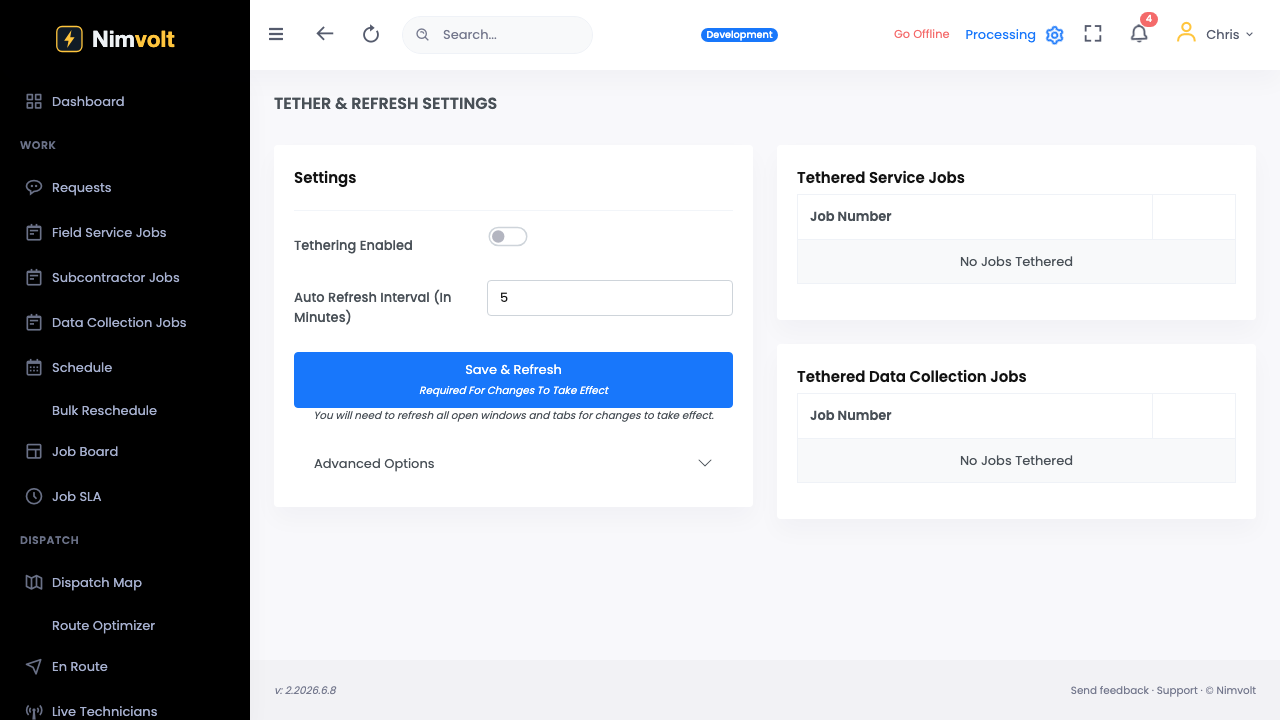
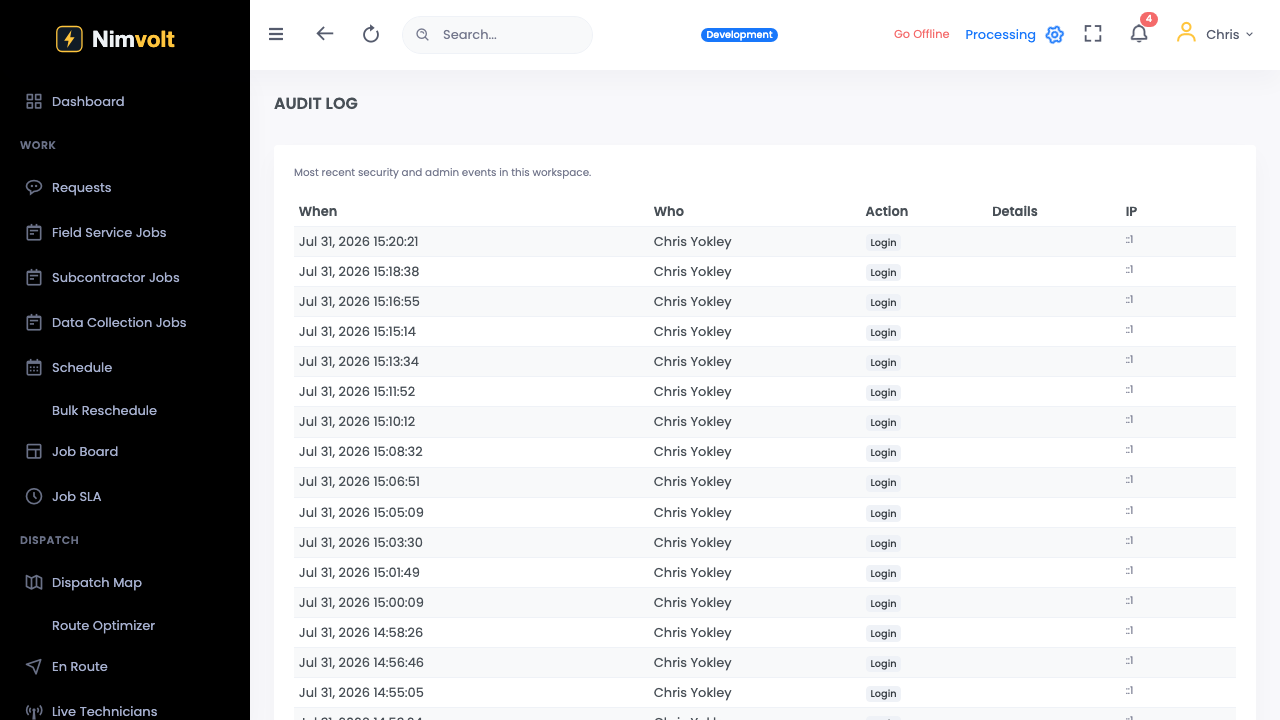
How to use it
- Open Admin → Roles.
- Map permissions to technician, lead, admin, billing.
- Assign users to roles.
- Audit a sample user before go-live.
Tips
- Separate ‘capture’ from ‘sign’ — never give every tech sign-off.