Volt AI
Finding triage
Get consistent severity suggestions so Tech A and Tech B stop arguing in the report.
Demo video
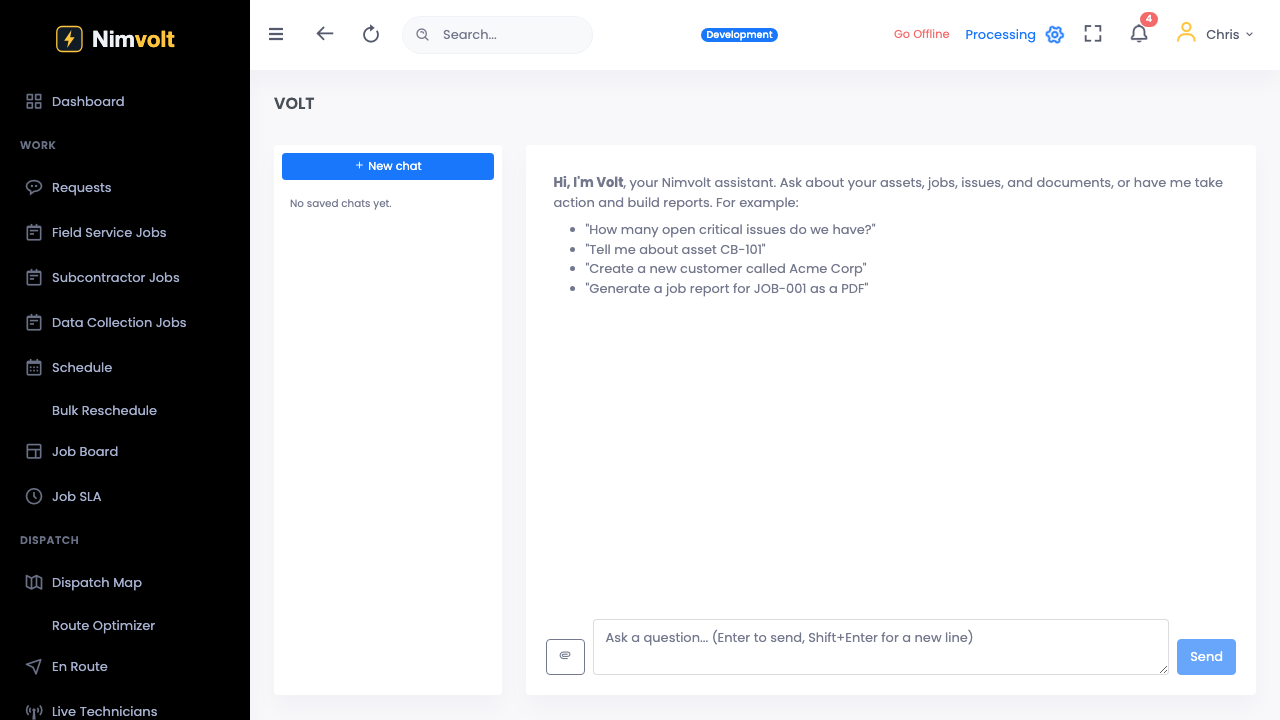
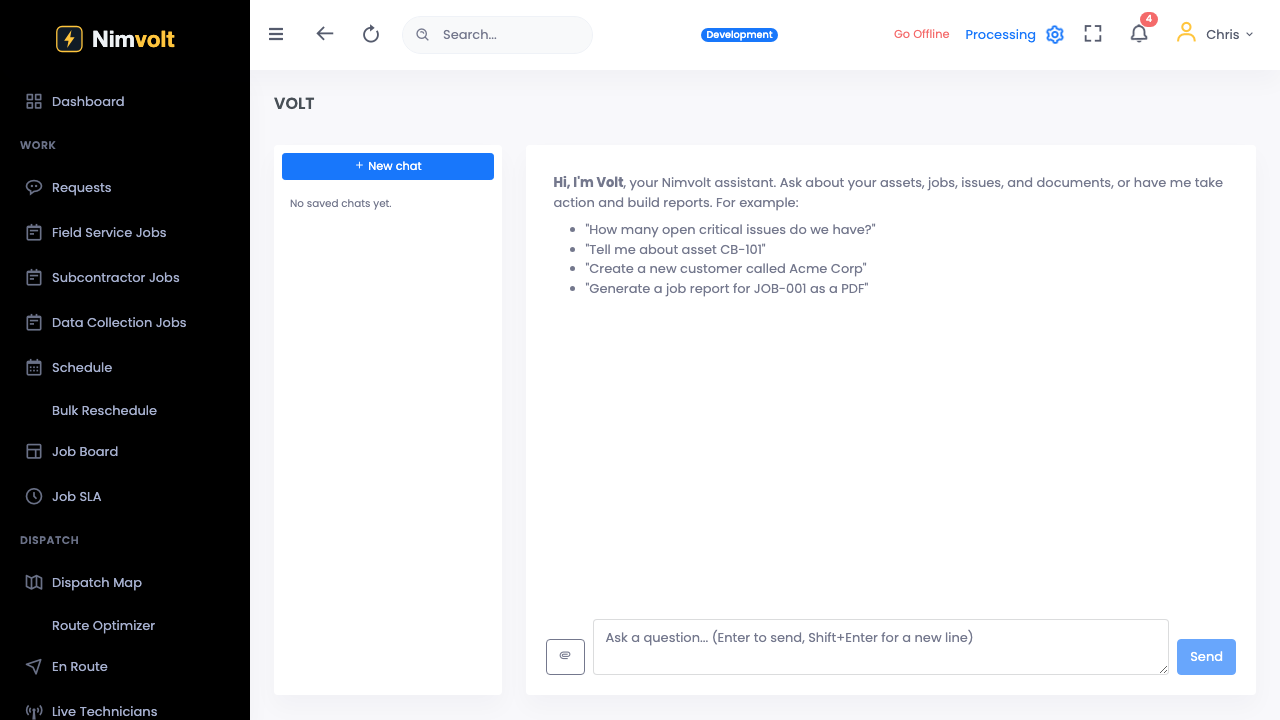
Live click-through recording from the Nimvolt app. Clip and share on social when ready.
Screenshots
How to use it
- Capture the finding (photo, note, measurement) on the job.
- Run Volt AI triage — review suggested severity and recommended action.
- Adjust if your program requires a different call; save with rationale.
- Findings roll into the review queue and the client report.
Tips
- Calibrate severity language to your company standard once; reuse it.
- Leads should spot-check AI triage in QA until the crew trusts the baseline.